
Download
Kaizen on every device
Free on iPhone, iPad, Android, Windows, and the web. One account, synced everywhere.
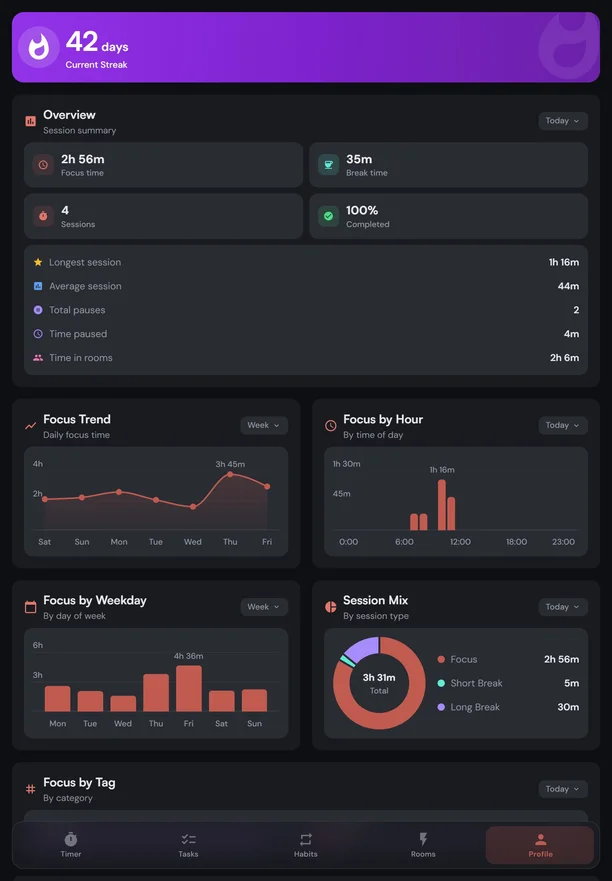
Kaizen for iPhone and iPad
Block distracting apps while you focus, and get reminders for tasks and habits.


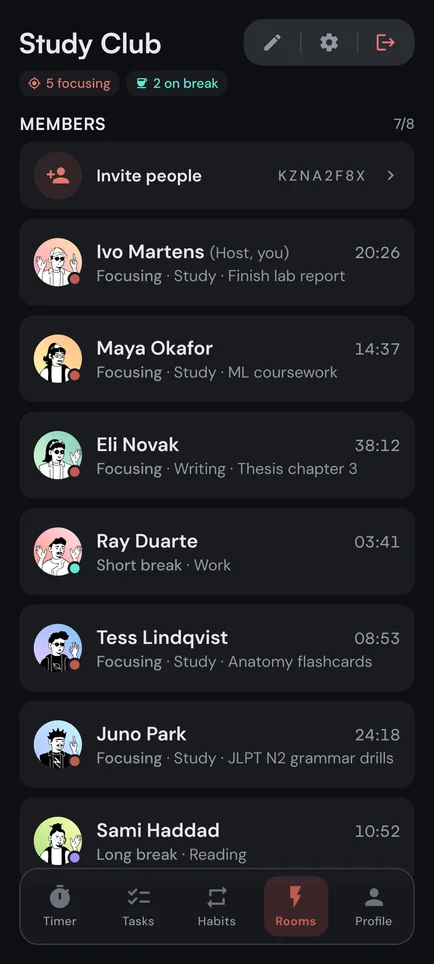
Kaizen for Android
Block distracting apps while you focus, and get reminders for tasks and habits.



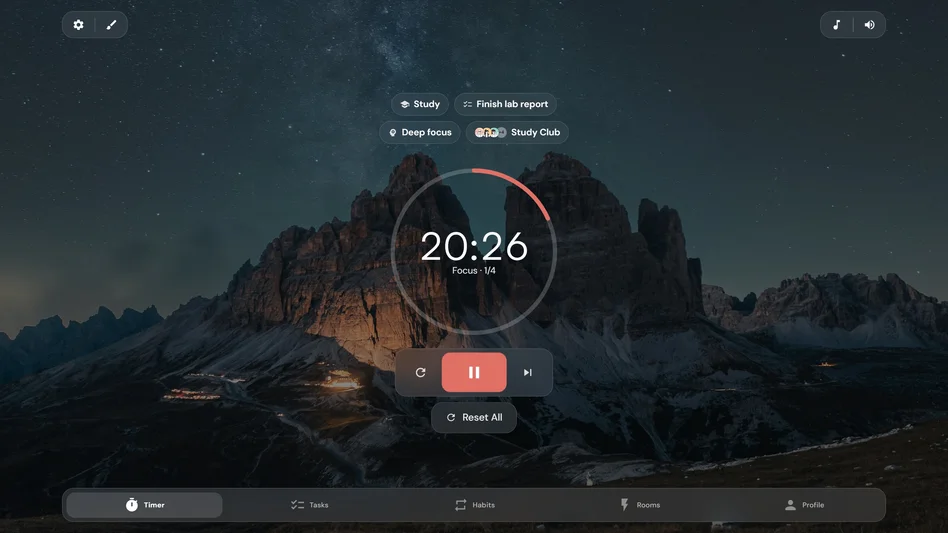
Kaizen for Windows
Your timer, Focus Rooms, tasks, and habits in a window of their own, synced with your phone.

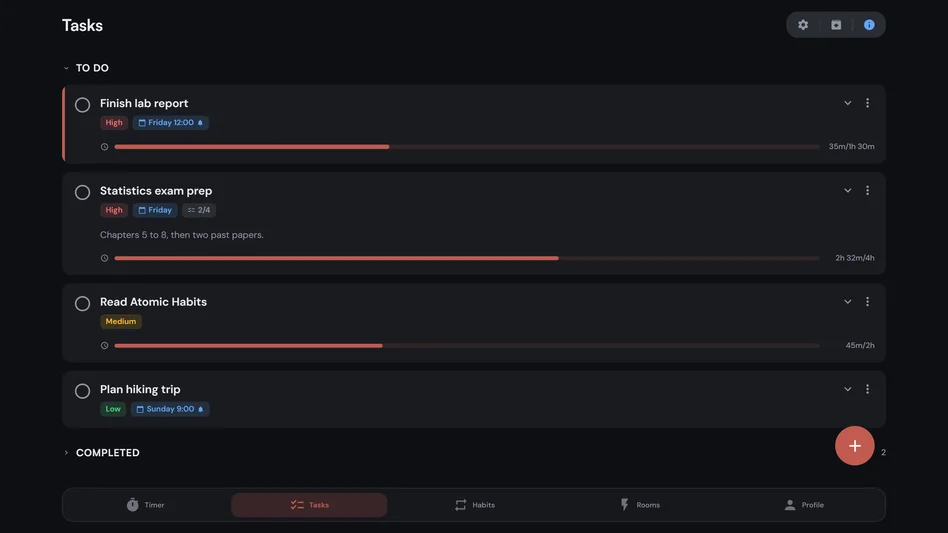
Kaizen on the web
Nothing to install. Sign in from any browser, on a Mac or a Chromebook too.
Questions
The short answers
Yes, on every platform. The full timer and stopwatch, joining any Focus Room, up to 7 tasks, 5 habits, and 30 days of stats are free. Premium is an optional upgrade, and one subscription covers every platform.
An iPhone or iPad, an Android phone or tablet, a PC with Windows 10 version 1903 or later or Windows 11, or any computer with a current browser. App blocking on iPhone and iPad needs iOS or iPadOS 16.4 or later.
Use Kaizen in your browser: open my-kaizen.app and sign in. Everything except app blocking and reminders for tasks and habits works there, and you can install it from the browser as an app.
Not on the computer itself: blocking needs a system permission that only iPhone, iPad, and Android give apps. Tap Block now on your phone instead. It keeps your list blocked until you turn it off, wherever your timer runs.
Yes. Your sessions, stats, tasks, and habits sync across every device on one account. Timer settings are saved on each device, so your phone can run Classic while your laptop runs Extended.
Your first session is a minute away
Free on every platform, with one account that keeps your sessions, tasks, and habits in sync.