Focus better, together



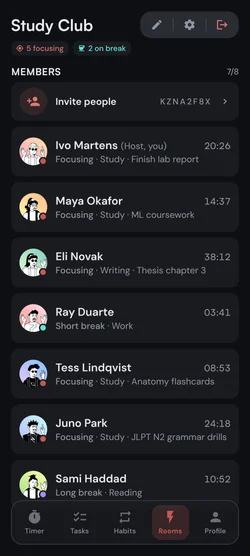
Willpower runs out. A room full of people doesn't.
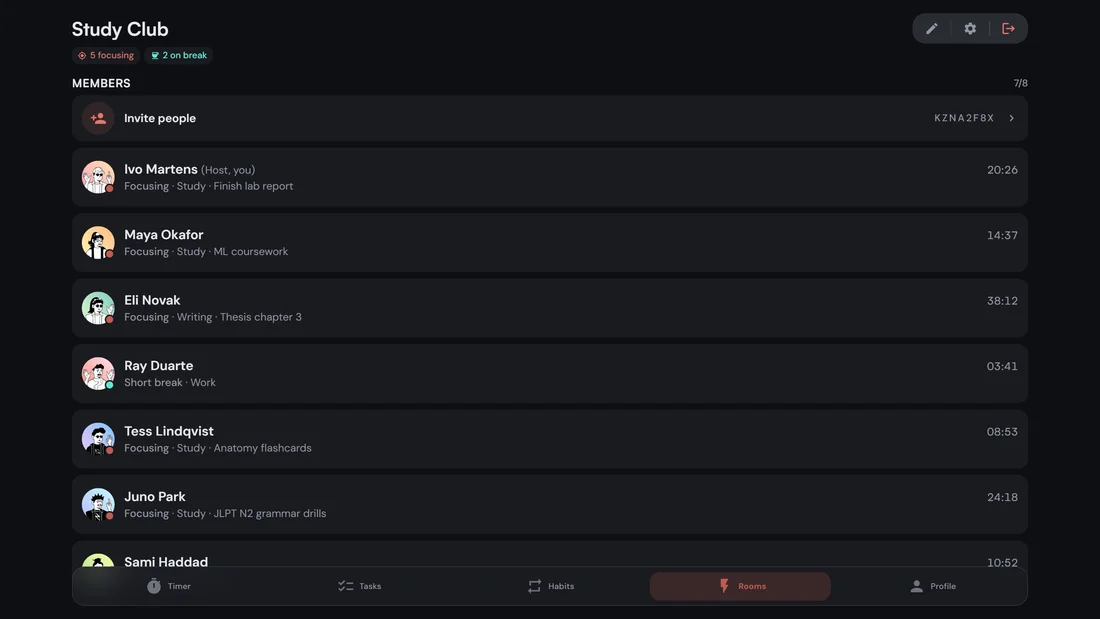
Study alongside people who are also heads-down
- See who is focusingLive status for everyone in the room, focusing, on a break, paused, away, or idle, plus the tag each person is working under.
- Free to join and hostJoin any public room or a private one with its code, and host your own private room for up to 4, without paying.
- 2 to 50 peopleSit in a small study group or a packed hall. You set the size.
- Presence that means somethingLeave the app for more than 15 minutes and you are removed. Being there is the point.
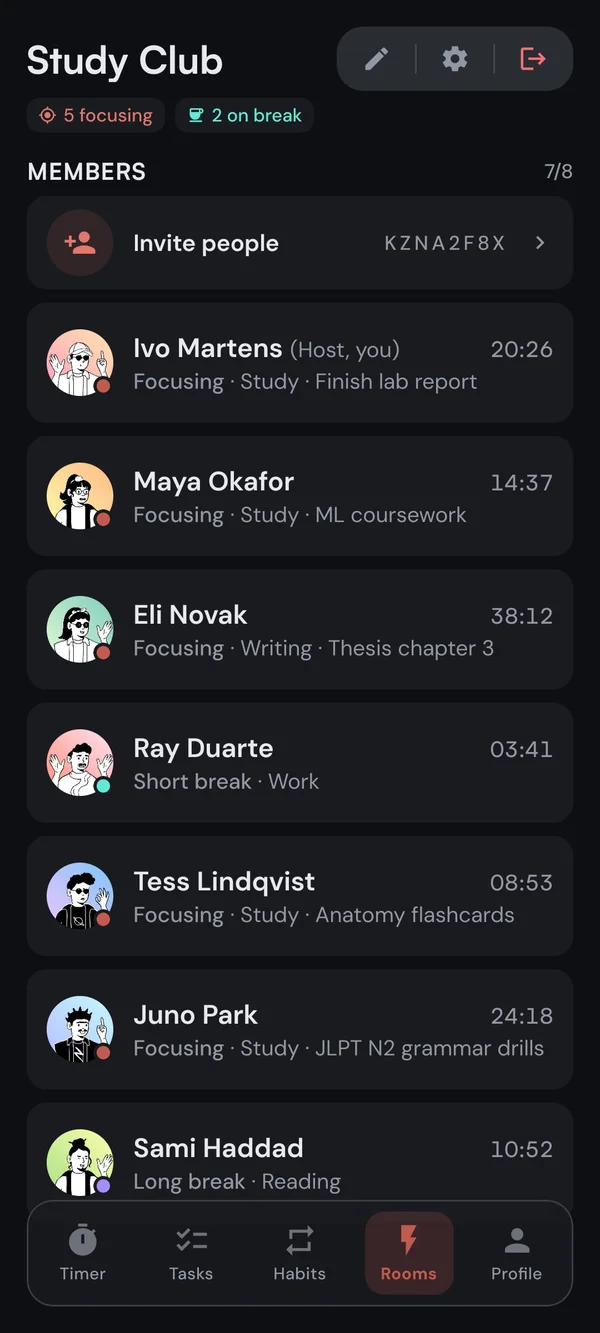
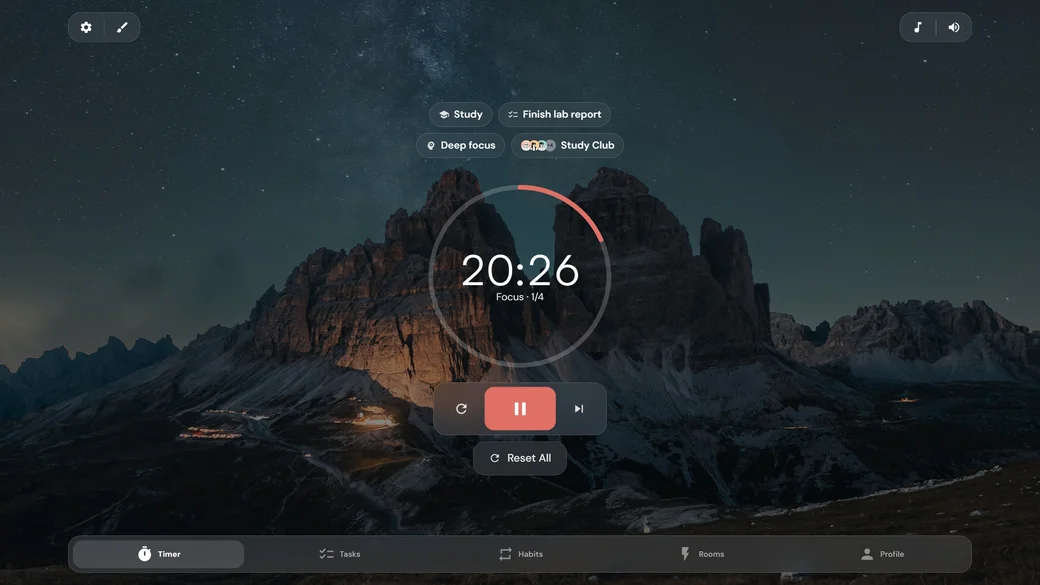
A Pomodoro timer you will actually want to look at
- Your intervalsClassic 25/5, Quick, Extended, Long Focus 90/15, or anything from 5 to 180 minutes.
- Or let it count upSet the timer to Stopwatch, work until you are done, then hit Finish. Your break stays the length you set.
- Runs in the backgroundBuilt on the system clock, so it stays accurate with the screen off or while you use other apps.
- Knows when to nudgeSounds, vibration, and a controllable notification when a session ends.
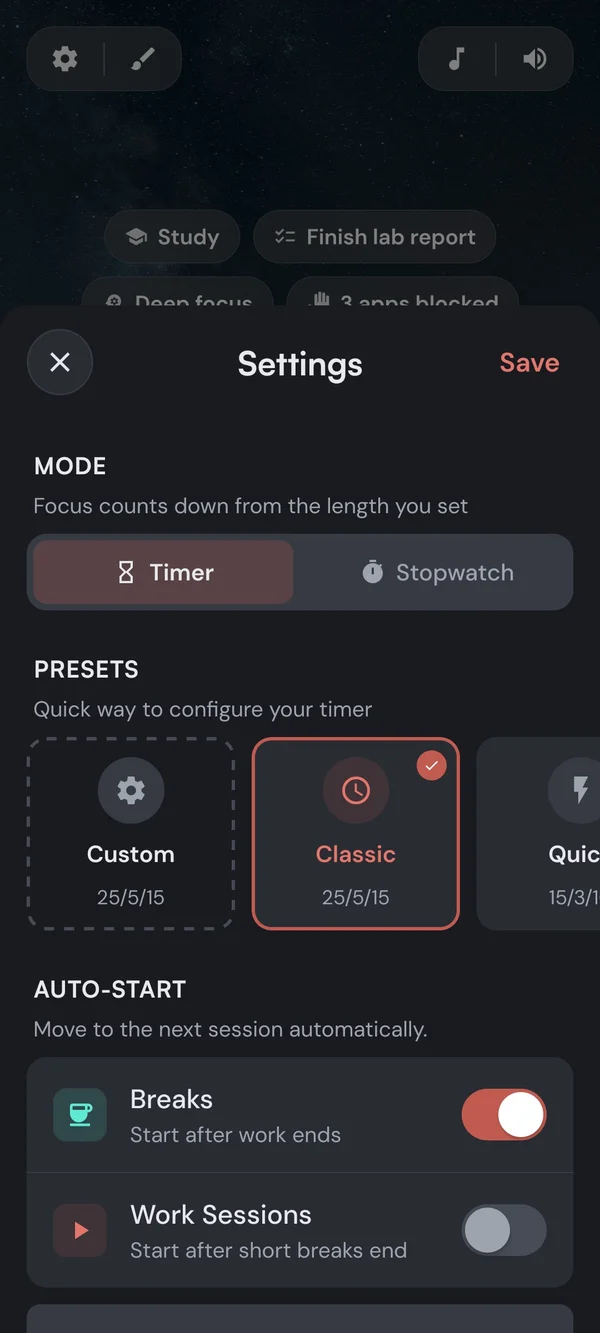
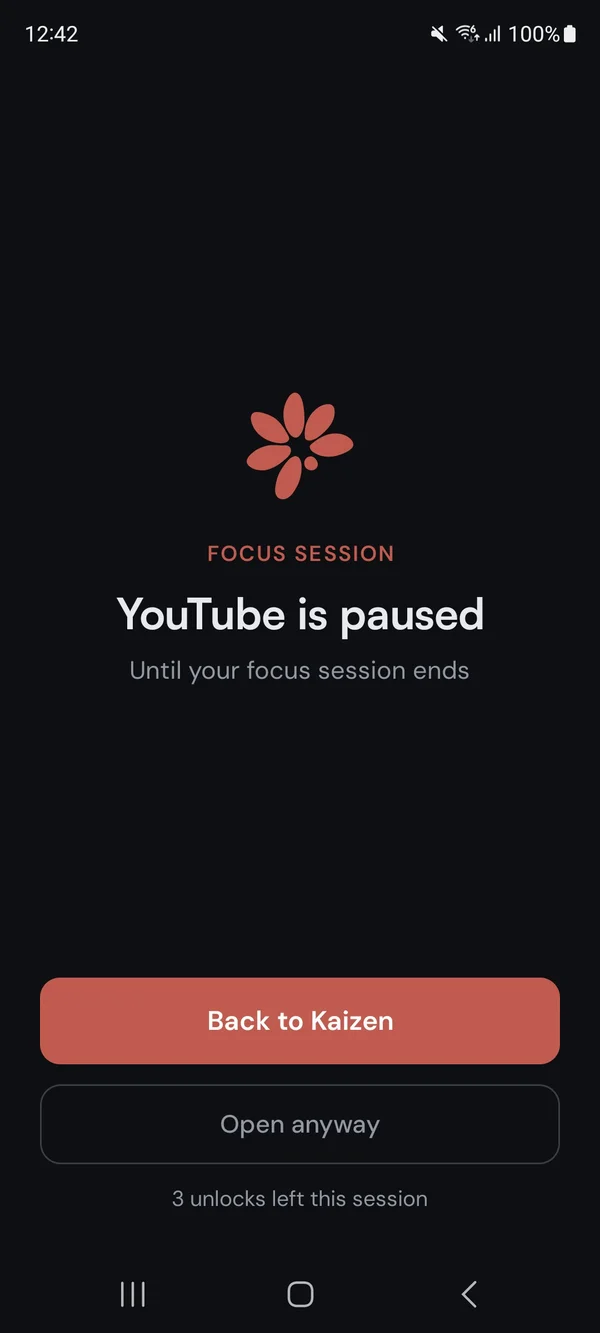
The apps that get you, closed while you work
- On with the timerBlocking starts with your work session and ends when it does. Breaks always lift it.
- Or block nowOne free button blocks your list until you turn it off, timer or not.
- An exit you set yourselfDecide in advance how often you can open a blocked app, after how long a wait, and for how long.
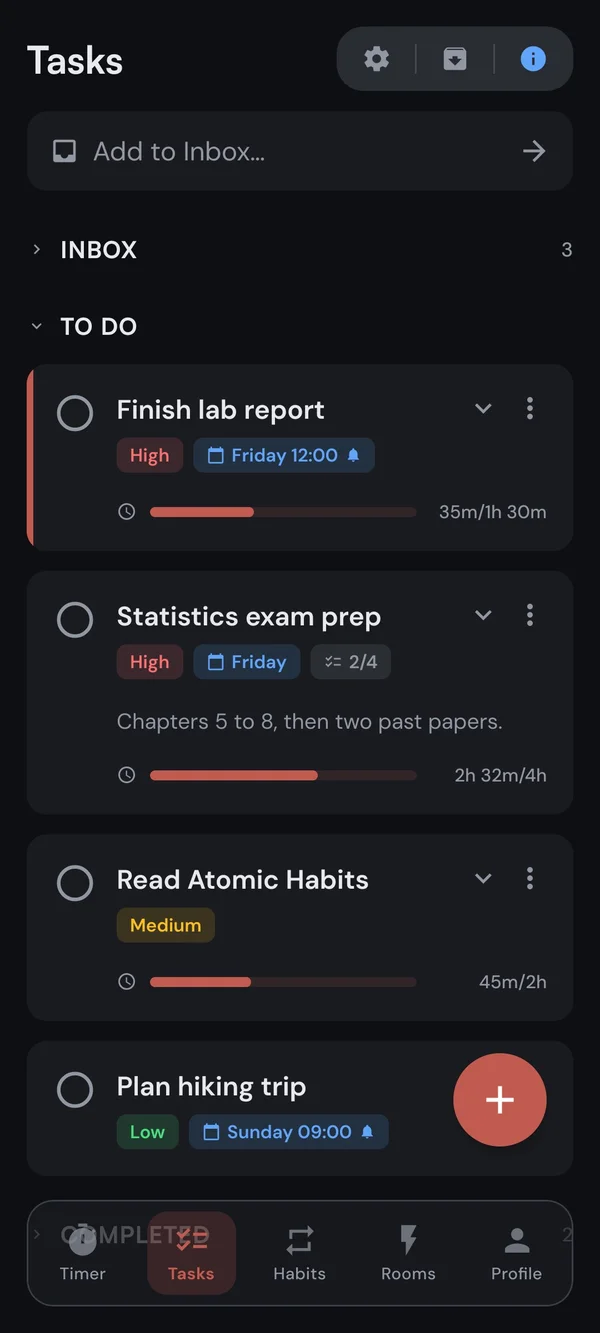
Know exactly where your time went
- Capture first, plan laterType a thought into the Inbox in one line.
- Tap to focusSet one task active. Every minute you work counts toward it automatically.
- Subtasks and estimatesBreak big work down and watch the progress fill in.
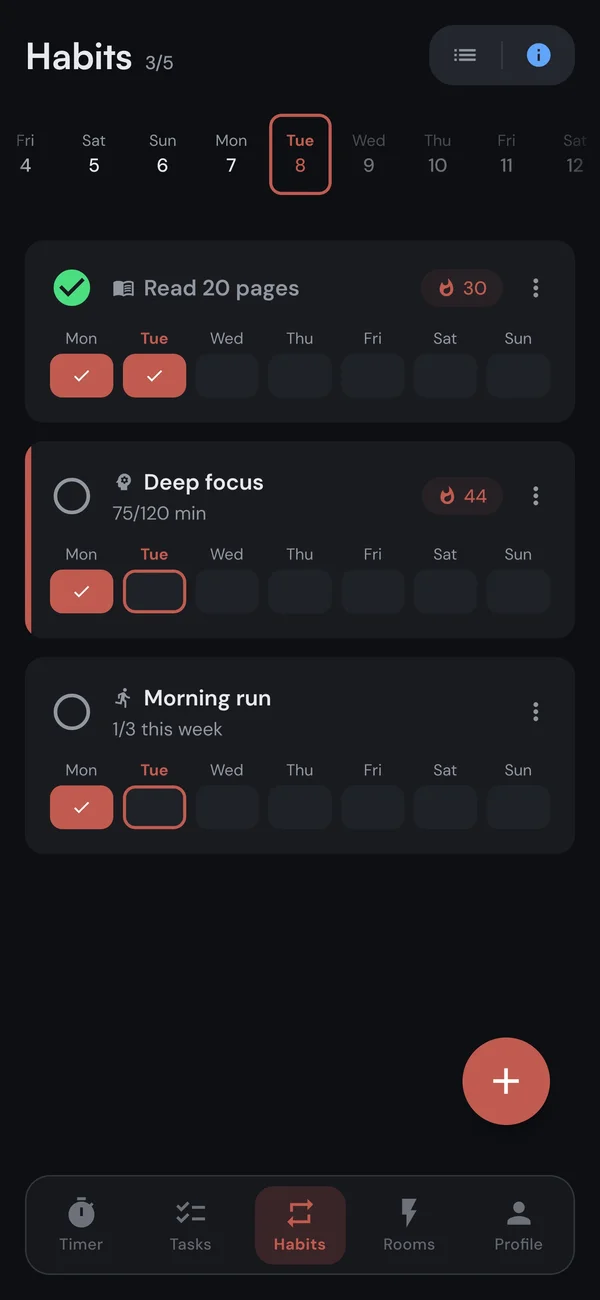
The daily stuff, right next to the deep work
- Fed by the timerFocus-time habits fill their minute target automatically while you run Pomodoros.
- Forgiving streaksStreaks follow your schedule. Skips and rest days never break the chain.
- Flexible schedulesDaily, set days, or a number of times per week. You decide what counts.
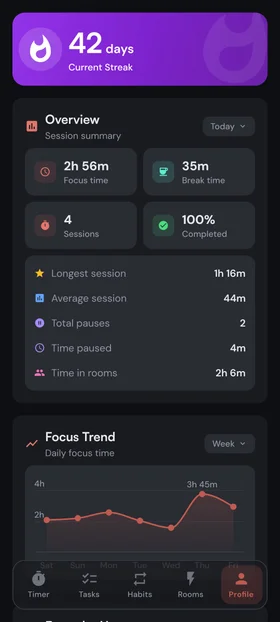
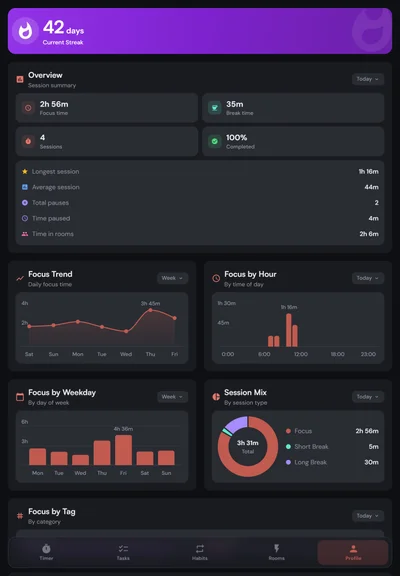
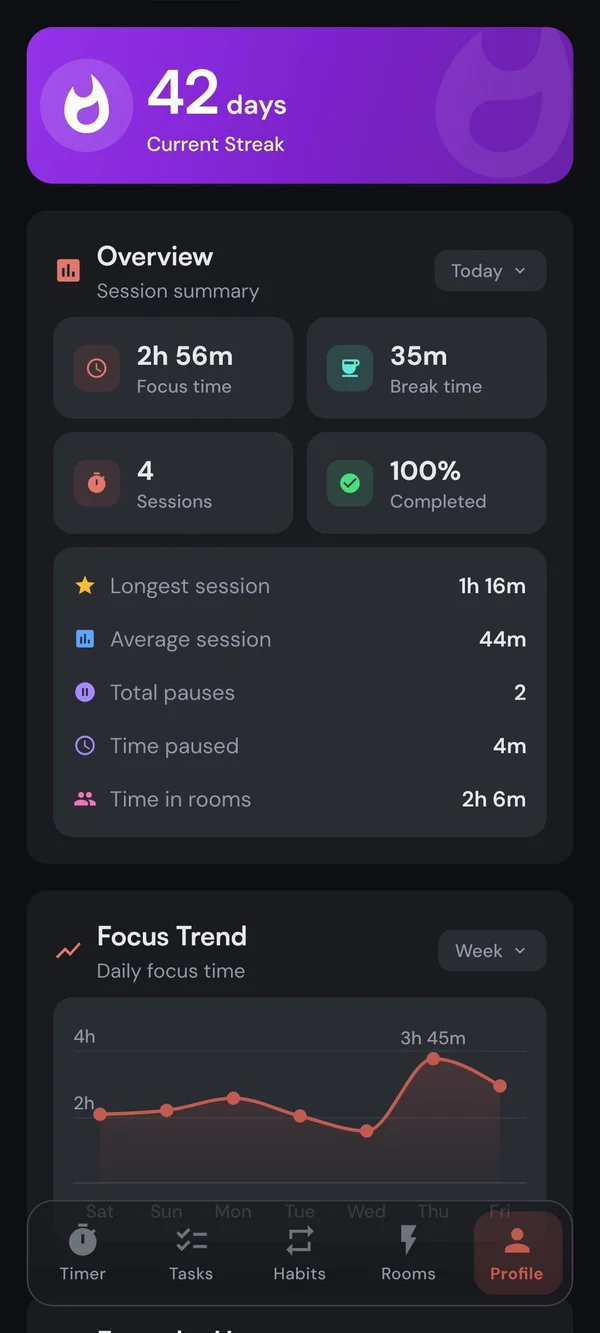
Watch the hours add up
- Daily streaksMilestone tiers shift color as your streak grows. Showing up is the habit.
- See your focus timeThe last 30 days for free. Premium opens all-time.
- Focus by tagLabel a session Work, Study, or Personal and see where your hours actually go.
- Find your patternsFocus by hour and weekday, so you learn when you do your best work.
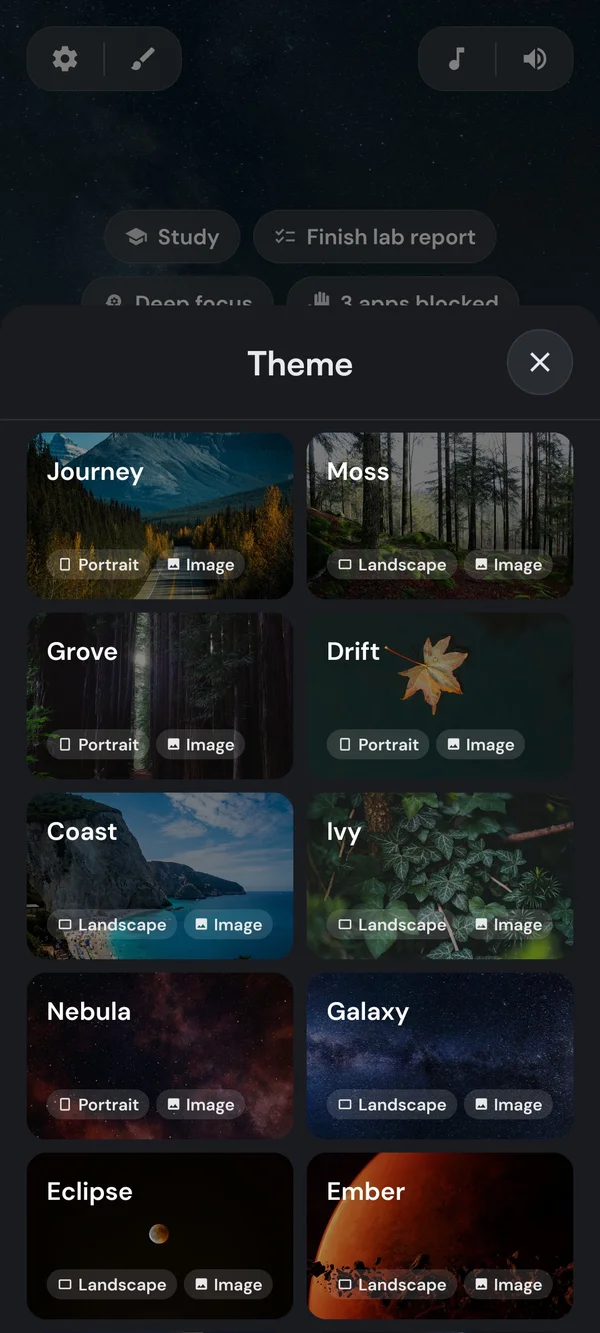
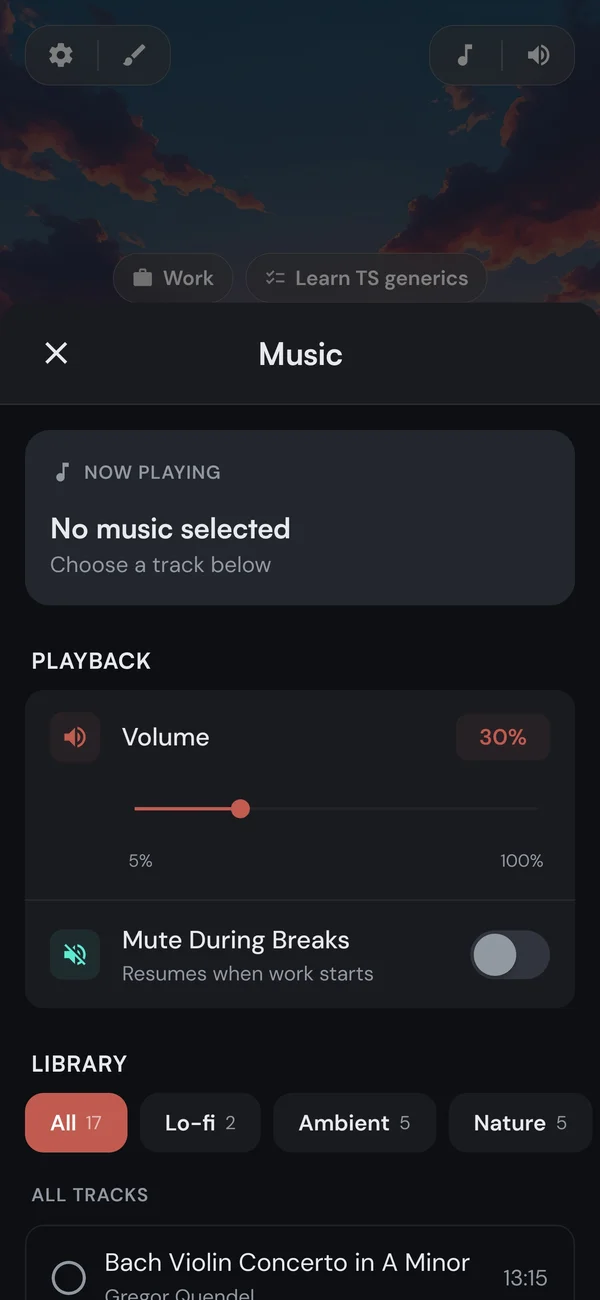
A backdrop you like and a soundscape that fades into the background
More gets done when you're not doing it alone
An amazing app to have all the things at one place! A timer, a todo and a room to study in with your friends. I’ve been wanting to study with my friends without using social media or distracting apps, and this is really it.
Manah
Best productivity app yet! Love how I can compare estimated vs actual time of my tasks and stay motivated in the focus rooms.
Franzi
Clean interface that is intuitive and awesome to use! I love how it keeps me focused with no distractions. The tracking feature is also great, with stats that’ll keep you motivated to keep up your focus streak!
Sadiqah Al-Masyabi
The app has a relaxed and beautiful composition, soothing music, nice backgrounds… A nice and welcome feature to track your work versus the time spent… Rooms make it so you can study with other friends in the app, driving motivation and discipline. I am a believer and I’m sure you will be too.
BalmungOrca
I’ve been using the web version of this app for a while now, and it improved my productivity significantly. I use it daily. I quite enjoy the modification abilities and the ability to see my progress.
sammy0sa
I’ve been using it for my tasks and setting up timers, and so far it’s been amazing. I like how it integrates the tasks and timer together. You can customise the app too.
Shreyas Jha
Up and focusing in about a minute
Wherever you study, it is already there